When you click on links to various merchants on this site and make a purchase, this can result in this site earning a commission. Affiliate programs and affiliations include, but are not limited to, the eBay Partner Network.
Another thing you could try possibly would be to put a piece of masking tape on the side opposite the connectors thereby making the card slightly thicker for a tighter connection. Just a thought. I haven’t tried it myself (traded my car on a new Chevy Colorado) but it might be worth a try rather than spending service $$$.
Say what? Where are you gong to put the tape? Have you ever even looked at one of these SD cards? There are connections on BOTH sides of the card! Duh! If you put tape on one side then you will be covering up half of the connections. And what would happen if the tape came off inside of the reader?
EDIT
My apologies for being an idiot. I'm the one who needs to look at the SD card. It does NOT have contacts on both sides of the card, just the one side. I don't know what I was thinking. I still say that tape is a bad idea though.
Last edited by Conrad 16.5; Mar 27, 2021 at 08:28 AM.
Folks - So I am buying a sd card off of ebay and the seller states that the card comes with 3 yrs of free updates only if you haven’t redeemed the 3 yrs updates via your original sd card since the updates are tied to VIN. Is this true? I thought I can buy these oem for less than $50 and continue to receive free updates from mazda.
Folks - So I am buying a sd card off of ebay and the seller states that the card comes with 3 yrs of free updates only if you haven’t redeemed the 3 yrs updates via your original sd card since the updates are tied to VIN. Is this true? I thought I can buy these oem for less than $50 and continue to receive free updates from mazda.
My CX had one update left, of the three. I tried to update the card right before the time period was set to expire, using Mazda Toolbox of course. After I inserted the card into my PC the toolbox told me that I had one update available, as expected. I told the toolbox to go ahead with the update and it seemed to work. But when I checked the card again after the update, it told me that I had one update left and that the version on the card was not the most current. I told it to update again, same result. I contacted Mazda and was told that I had a bad card and that I should contact my local dealer and make arrangements for the replacement. I did and the local dealer told me to bring the CX by and swap out the card for a new one. At this point I'm thinking that after swapping out the card I should be able to do three updates cuz it's a new card right? Wrong! Somehow, someway, Mazda Connect knew that my CX was only due for one more update and that's what I got.
So somewhere along the way someone at Mazda tied that new card to the VIN of my CX and only allowed me one last update. Go figure.
Perhaps this won't be the case for you since you didn't get the replacement/new card from Mazda?
Last edited by Conrad 16.5; Jan 29, 2021 at 09:08 AM.
My CX had one update left, of the three. I tried to update the card right before the time period was set to expire, using Mazda Toolbox of course. After I inserted the card into my PC the toolbox told me that I had one update available, as expected. I told the toolbox to go ahead with the update and it seemed to work. But when I checked the card again after the update, it told me that I had one update left and that the version on the card was not the most current. I told it to update again, same result. I contacted Mazda and was told that I had a bad card and that I should contact my local dealer and make arrangements for the replacement. I did and the local dealer told me to bring the CX by and swap out the card for a new one. At this point I'm thinking that after swapping out the card I should be able to do three updates cuz it's a new card right? Wrong! Somehow, someway, Mazda Connect knew that my CX was only due for one more update and that's what I got.
So somewhere along the way someone at Mazda tied that new card to the VIN of my CX and only allowed me one last update. Go figure.
Perhaps this won't be the case for you since you didn't get the replacement/new card from Mazda?
Yes, I mean I am getting it off of ebay/amazon. Not sure if it will allow me to update or not. There are sellers who claim it comes with 3 yrs free updates. I was looking for someone who has bought one from ebay/amazon to share their experience.
Yes, I mean I am getting it off of ebay/amazon. Not sure if it will allow me to update or not. There are sellers who claim it comes with 3 yrs free updates. I was looking for someone who has bought one from ebay/amazon to share their experience.
The above was my experience with my CX, at the same time I was also dealing with my MX. I bought the MX used and it did not come with the factory Nav card. I purchased a card from Amazon for $80. When I inserted the card into the reader of my MX the car did not recognize the card, at all. No matter what I did it wouldn't work. I contacted the seller on Amazon and he sent me a new card, it worked perfectly.
Once I drove the required 63 miles with the card inserted (to mate the card to my car) I removed the card from the MX and inserted it into my computer and attempted to update it using Mazda Toolbox. Again, it worked perfectly. The initial update was done at that time and then the Toolbox told me that I had two more updates and gave me the expiration date that the updates had to be done before, within three years.
Mine was indeed fixed by the dealer under the TSB. I had the car in about 6 times before they finally said there was a TSB on it. And I told them it was the nav card but they refused to put a new one in due to it pairing with the vehicle. When they finally found a TSB on it they fixed it right away. By that time my car was out of warranty, but since I had it in for that problem prior to it going out of warranty they still had to fix it for free.
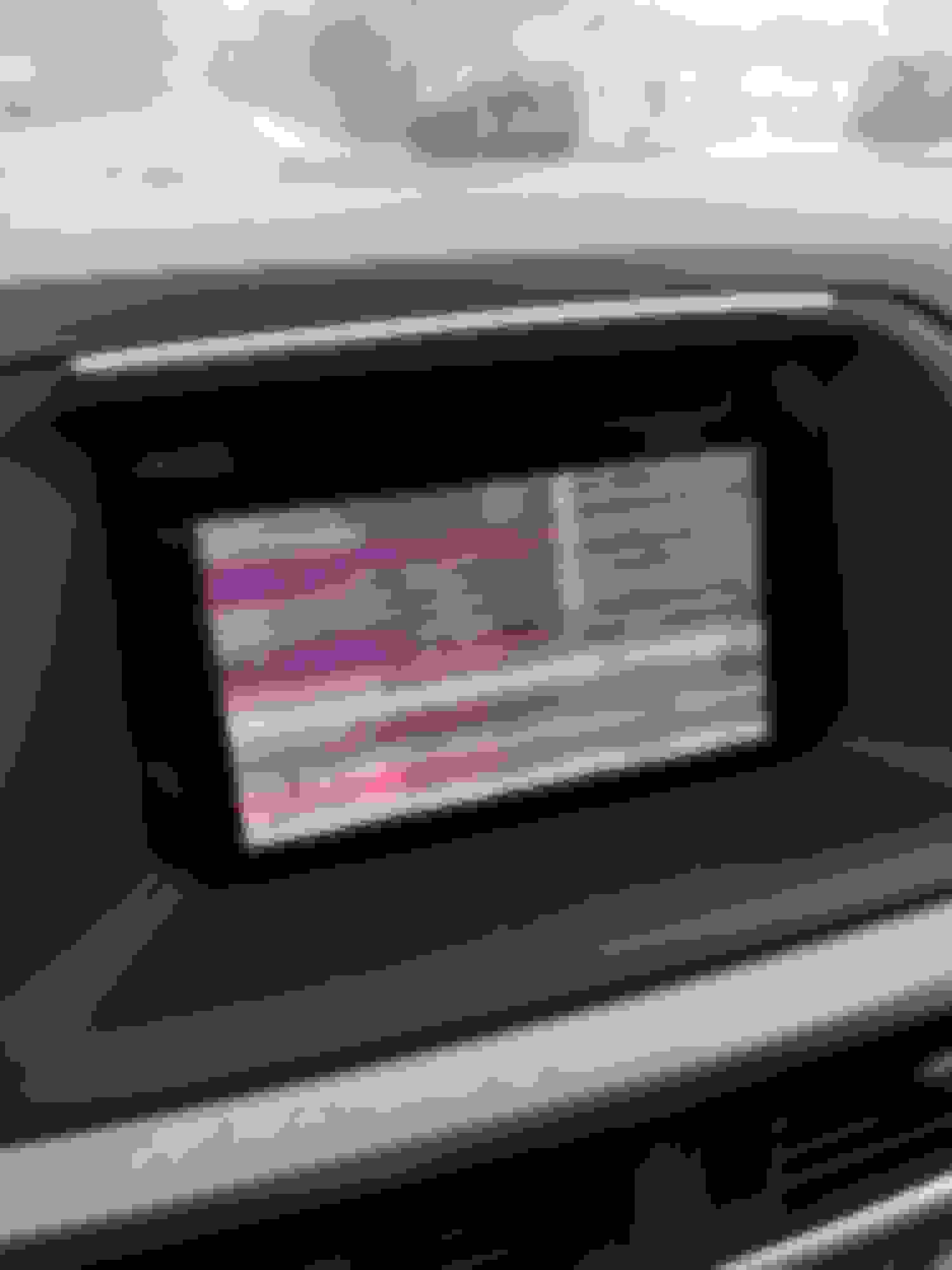
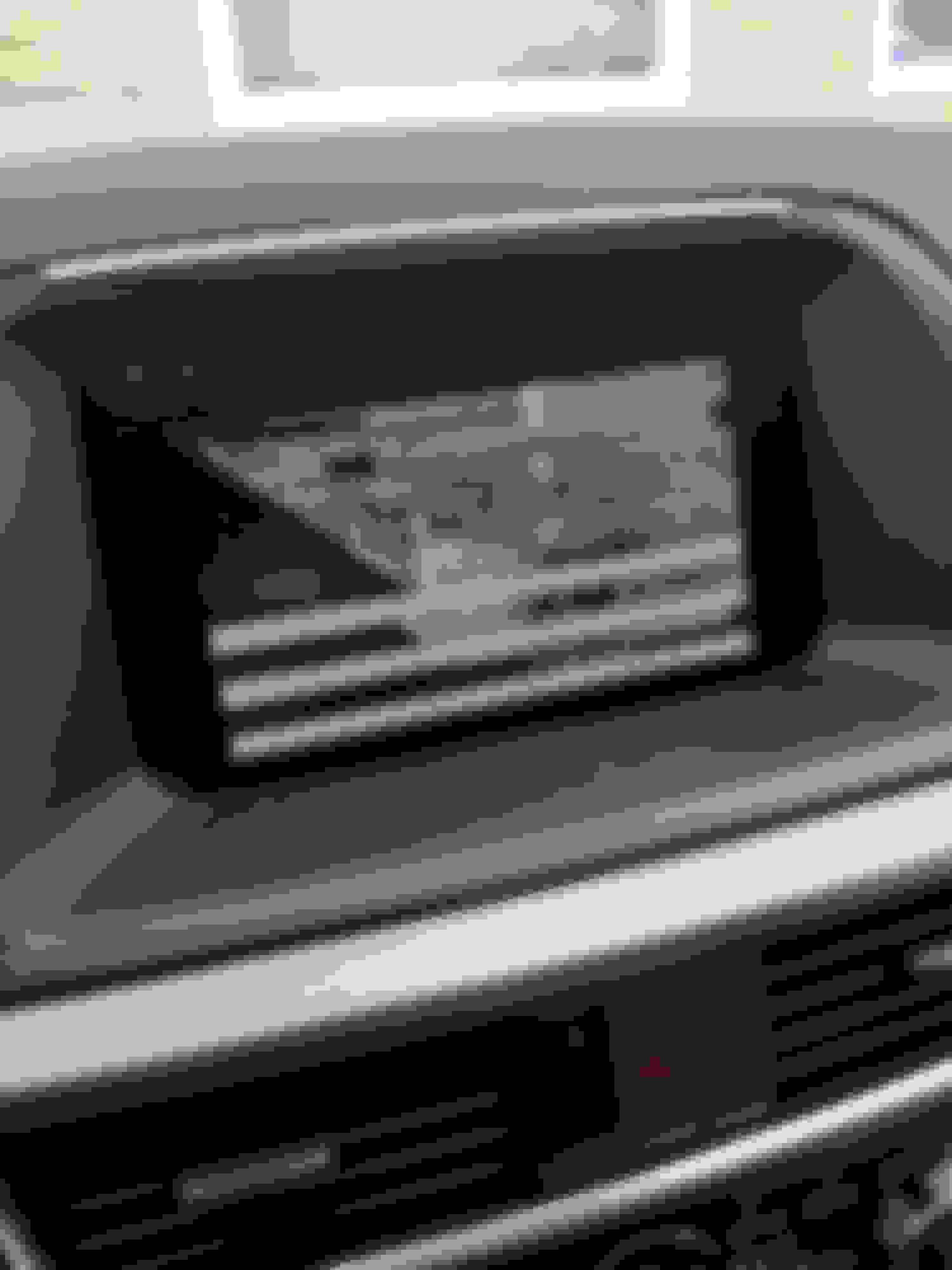
Thats good to hear that yours got fixed by the TSB. Mine appears to be a hardware issue, my issue came when it got cold but the issue remained after warming up and even after removing the SD card.
My 2016 cx5 grand touring cuts off continuously now that it’s cold. But, once it warms up, it stays on. I just find it weird, that the cold affects the stereo system.
My 2016 cx5 grand touring cuts off continuously now that it’s cold. But, once it warms up, it stays on. I just find it weird, that the cold affects the stereo system.
Try popping out the SD card and see if it stays on. A new SD card was the fix.